Everything Aldo Reborn does to turn your photos into a printed photo fanzine.
Colour, page order, bleed, format. The fiddly parts of bookmaking. Aldo does them so you can think about your photos.
The fiddly parts of making a photo fanzine
Making a photo fanzine at home sounds simple. Pick your best frames, print, fold, staple. The trouble is everything between “print” and “a booklet that reads in order”. There’s the page imposition. There’s the RGB→CMYK colour shift. There’s the bleed your printer can’t reach. There’s the right format and binding. Each one is a small wall. Together they quietly kill most first photo books.
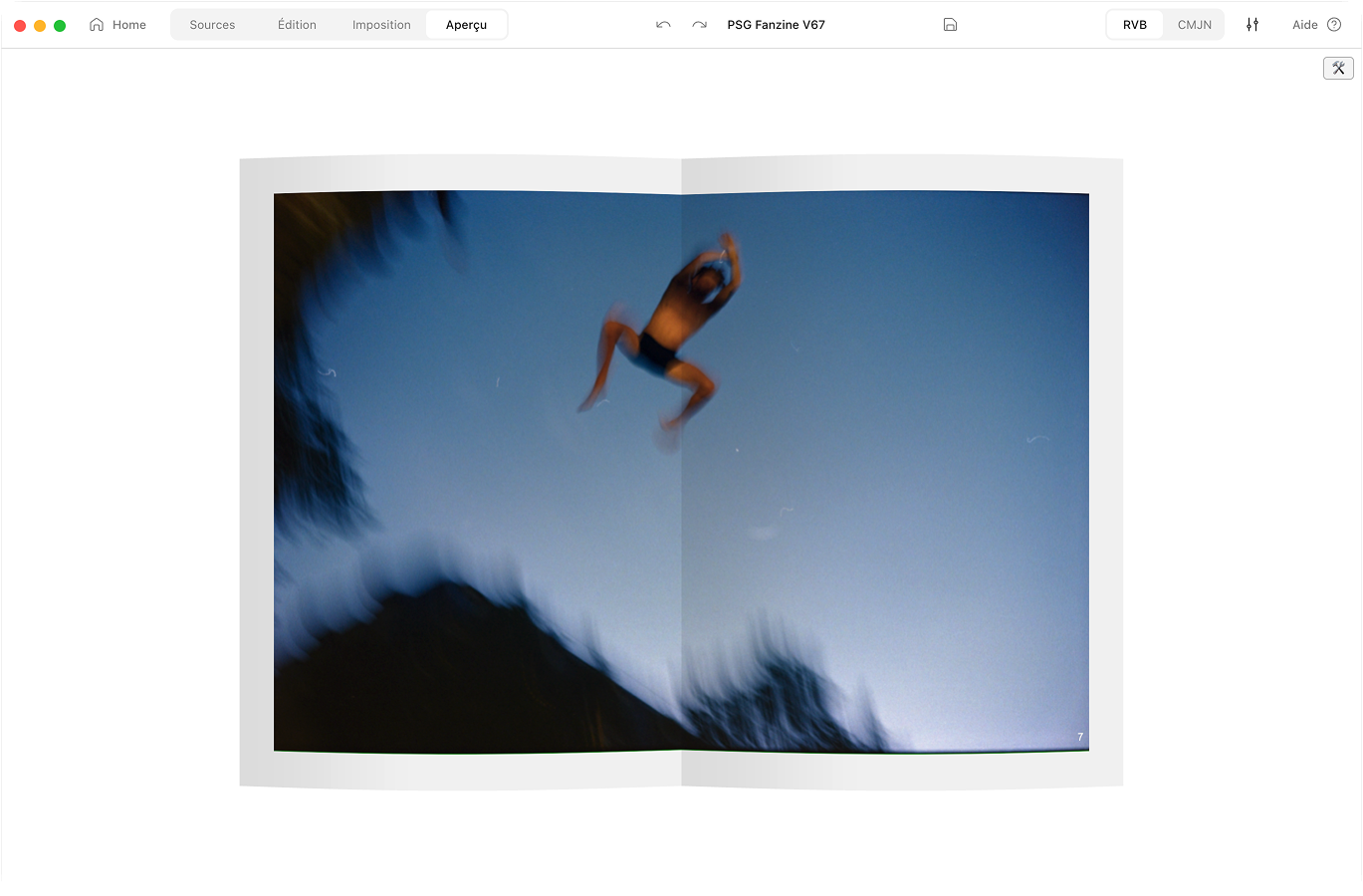
Aldo Reborn takes those walls down. You drop in your photos. You organise them in a library, pick a page count, and see the finished object in 3D before a single sheet prints. No InDesign. No print shop. Just your photos, your printer, and a real little book at the end.
How a zine gets made, start to finish
What Aldo Reborn does for you
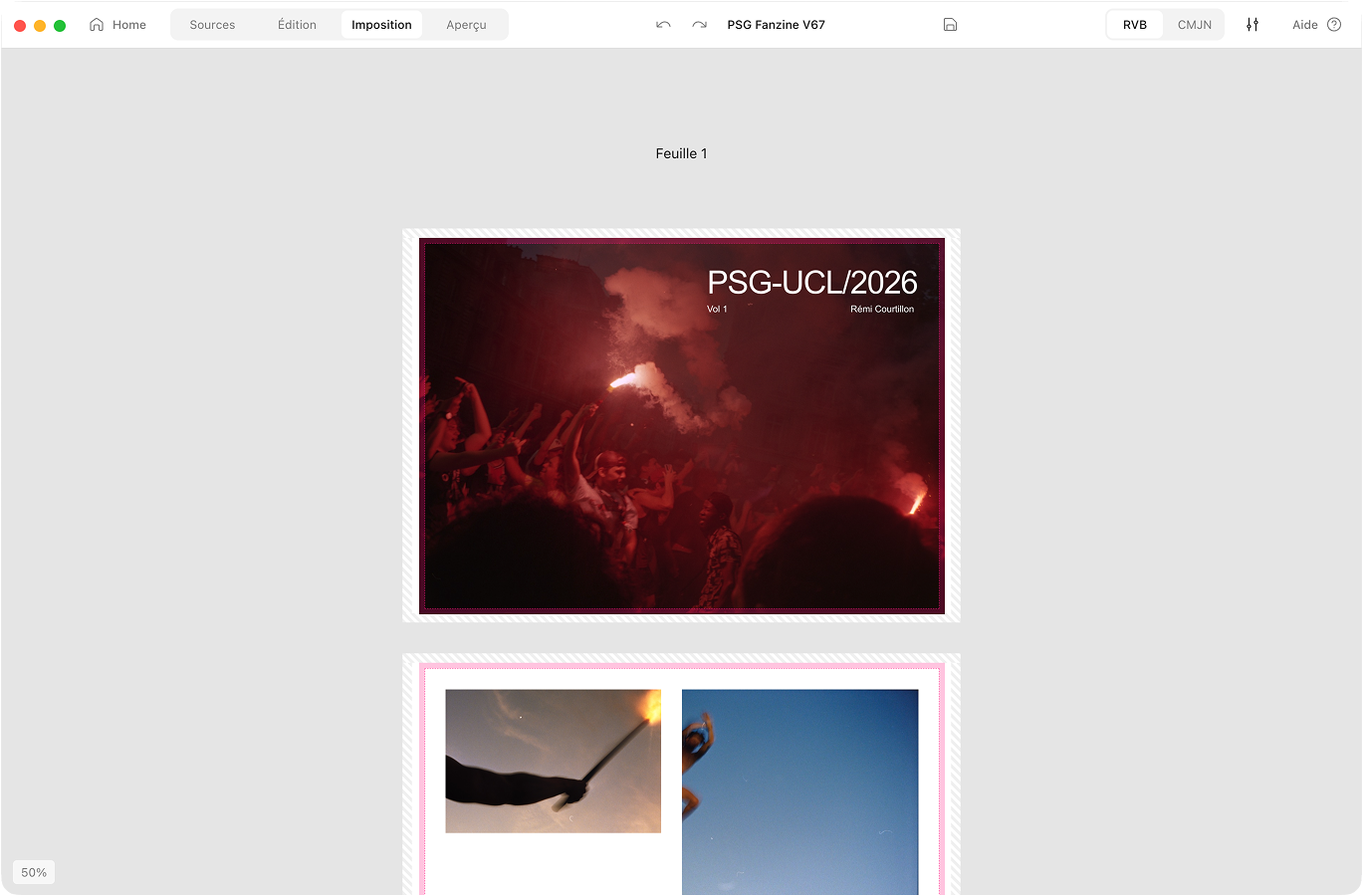
Automatic imposition
Aldo puts your pages on the sheet in the right order. Fold, staple, read in order.
CMYK conversion
RGB to CMYK with a FOGRA39 profile. Preview the printed colour before you commit.
Bleed & safe zones
Aldo adds bleed and respects your printer’s margins. Clean prints, no white edges.
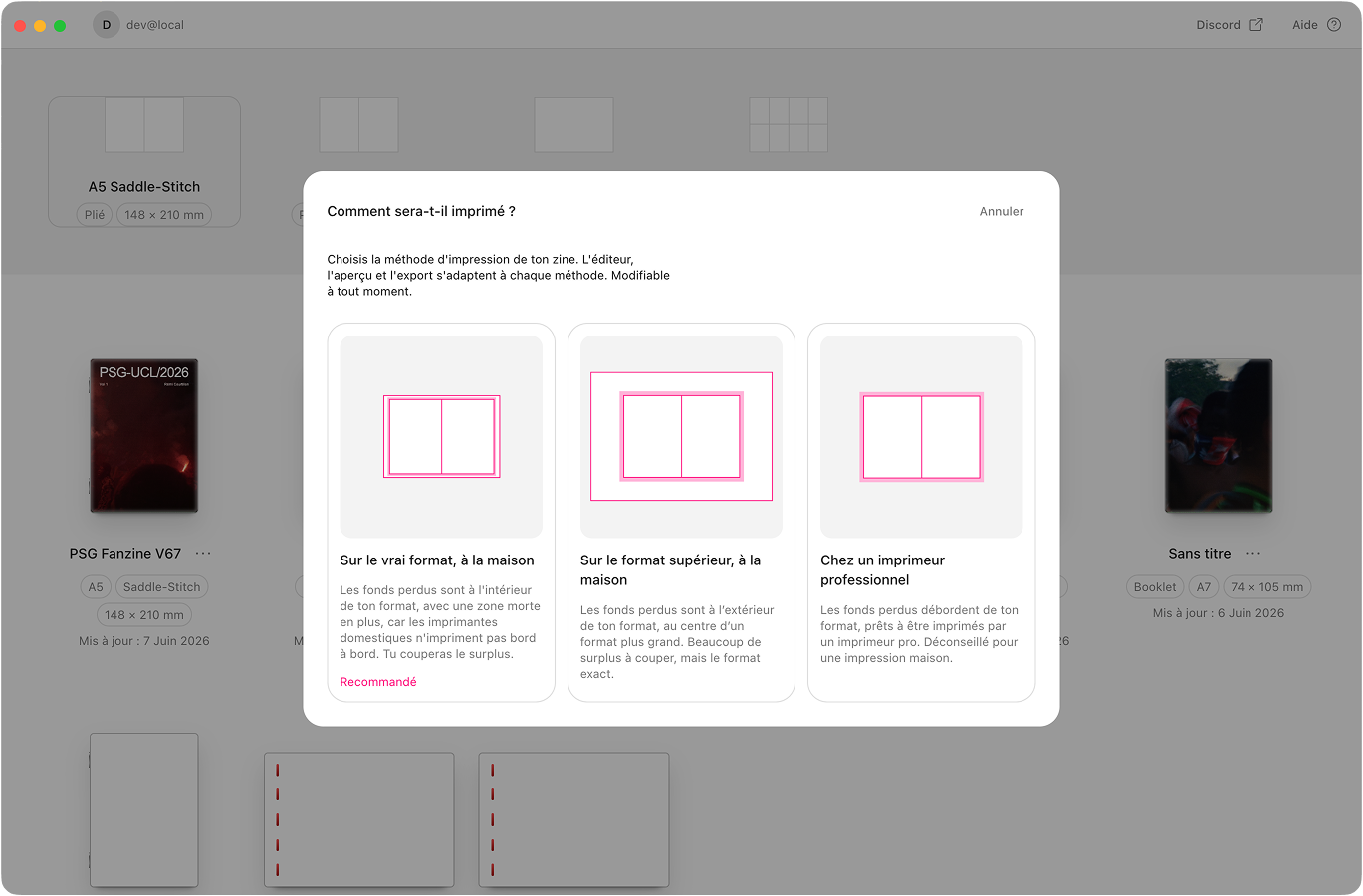
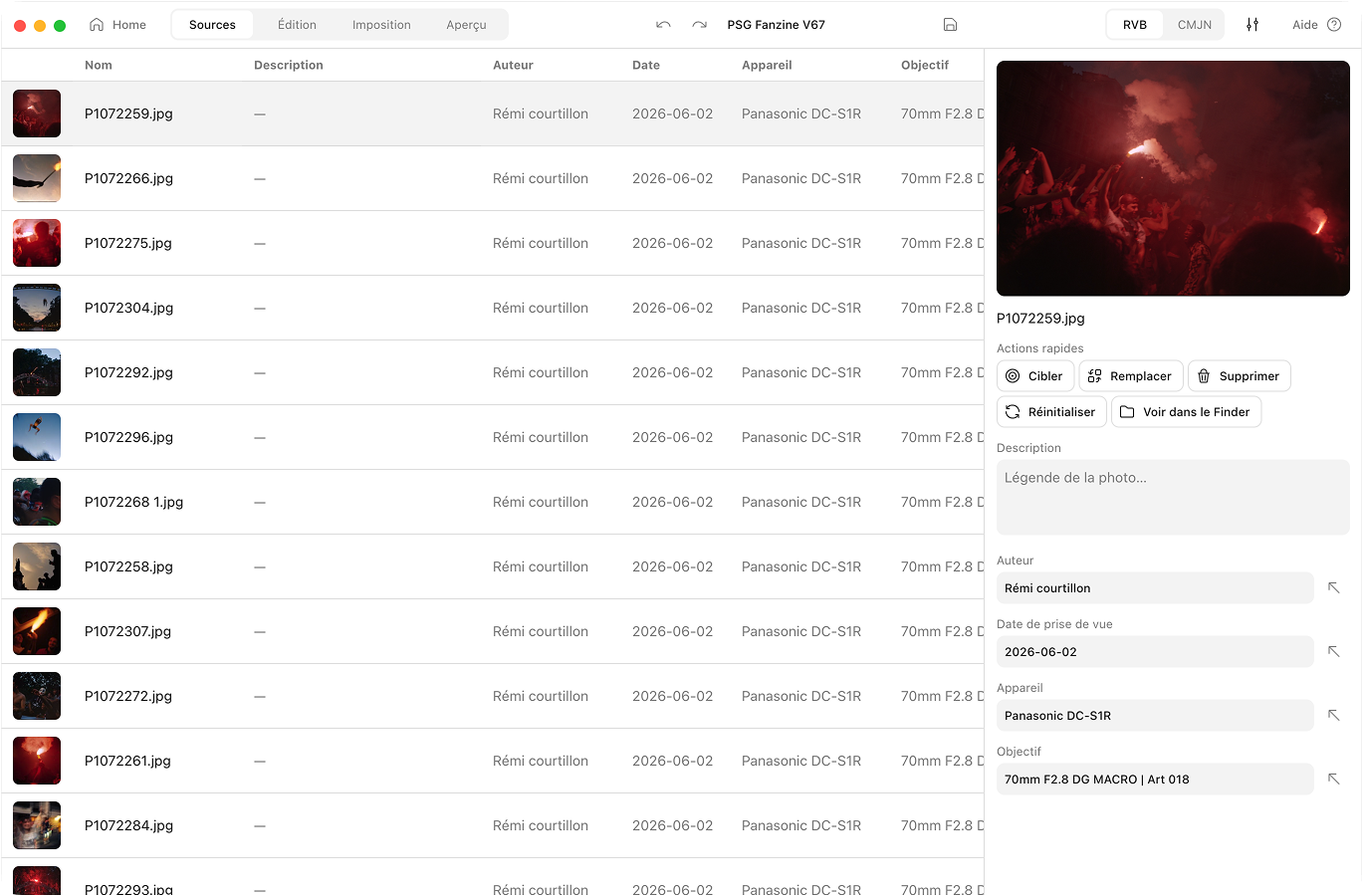
Photo library & EXIF
Sort your photos and batch-edit captions and credits. EXIF fills in the rest.
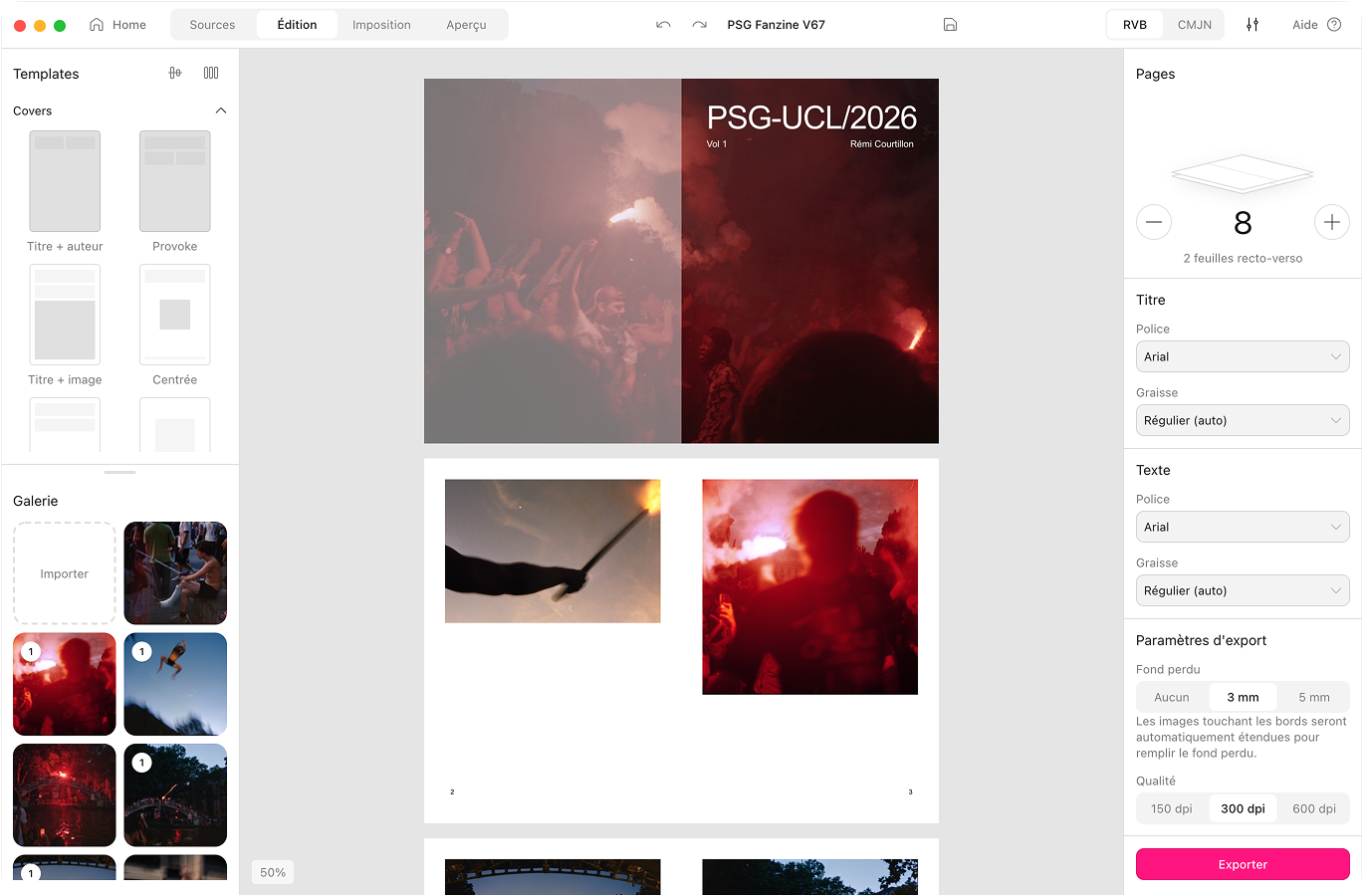
Formats & bindings
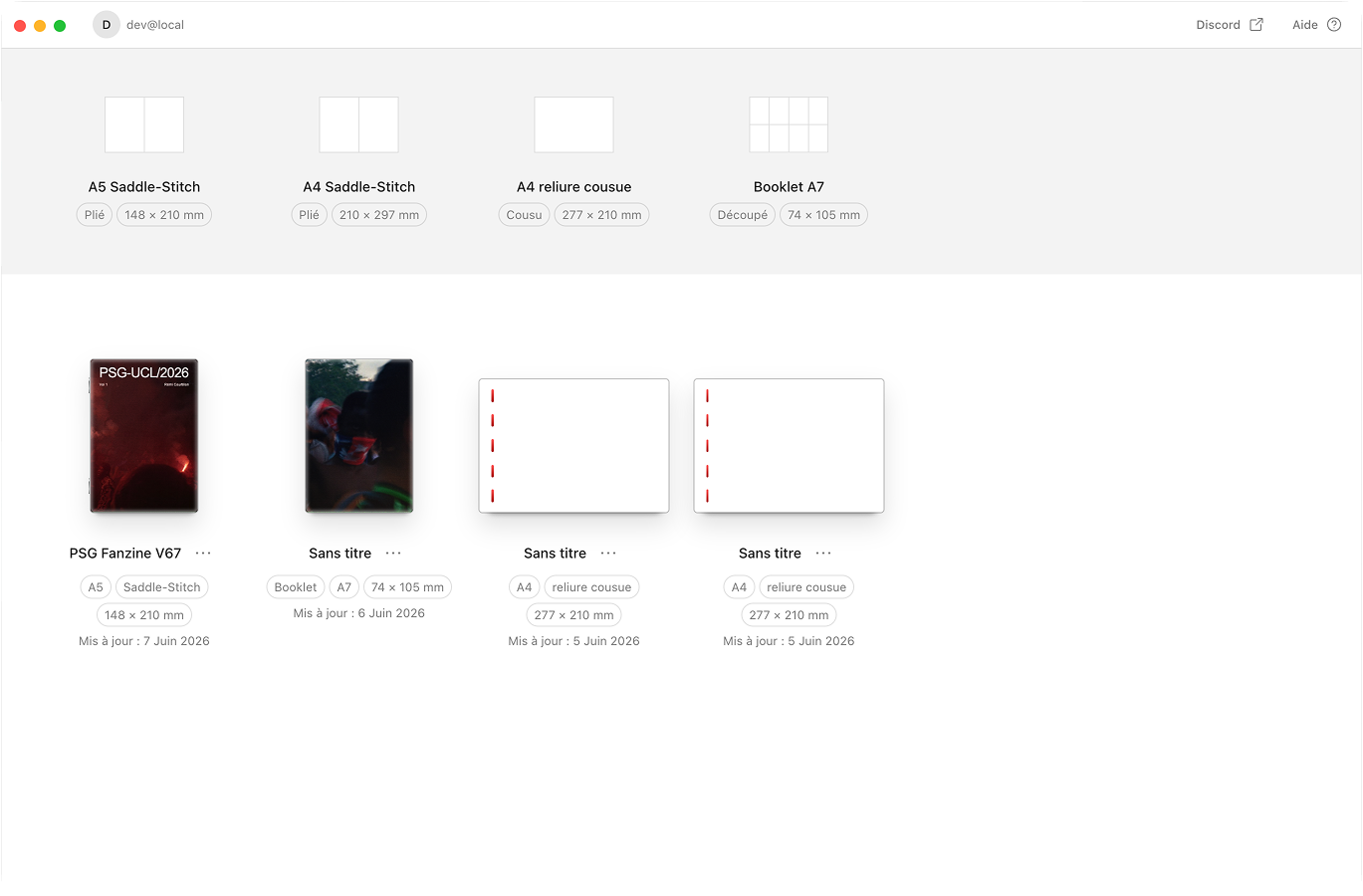
A5, A4, Half-Letter, A7 booklet, and A4, Letter or Square sewn. One template system for all seven.
 Aldo Reborn
 The photo fanzine app for Mac.
Your photos, turned into a little book you can hold. Print it at home. Fold it, staple it, done. No InDesign, no print shop, no degree in page layout.
macOS 10.15 or later.Apple Silicon and Intel.Notarised by Apple.284 MB download.