 Aldo Reborn
 The photo fanzine app for Mac.
Your photos, turned into a little book you can hold. Print it at home. Fold it, staple it, done. No InDesign, no print shop, no degree in page layout.
macOS 10.15 or later.Apple Silicon and Intel.Notarised by Apple.284 MB download.
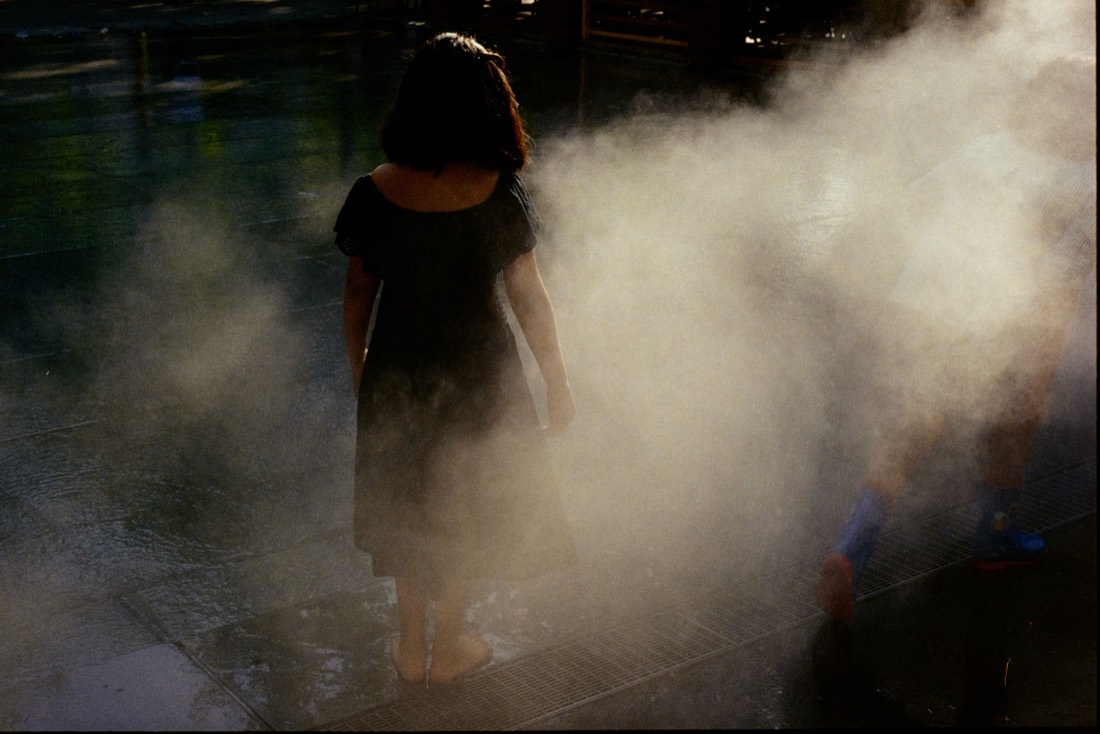



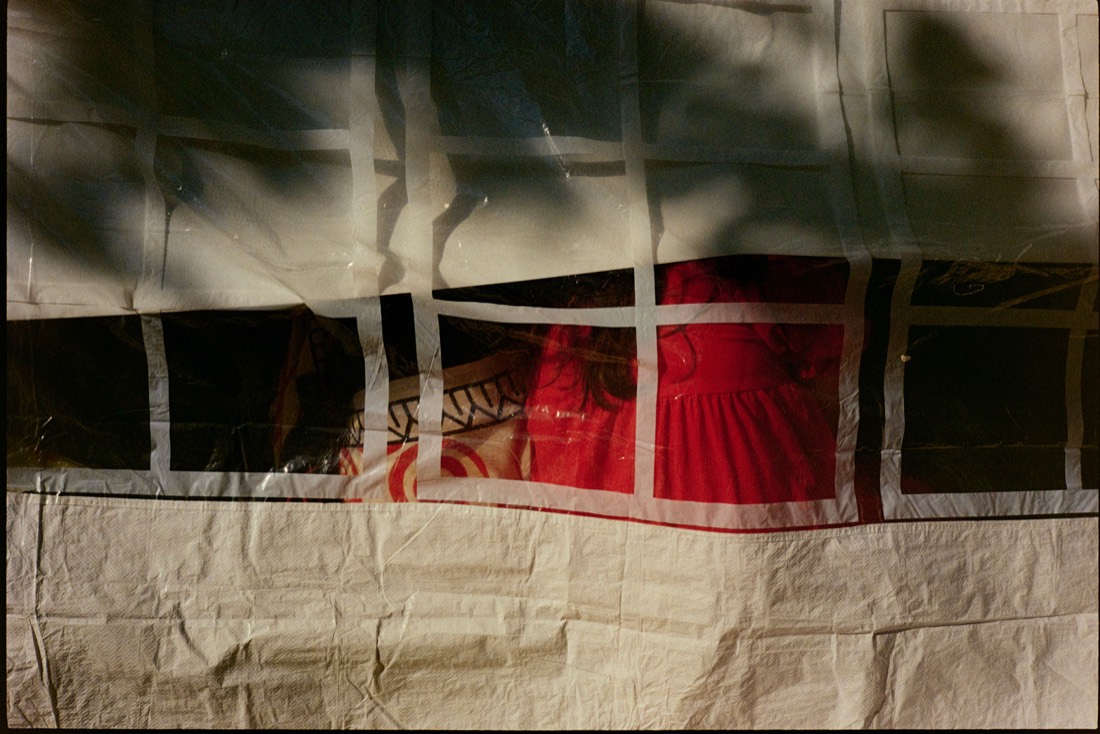

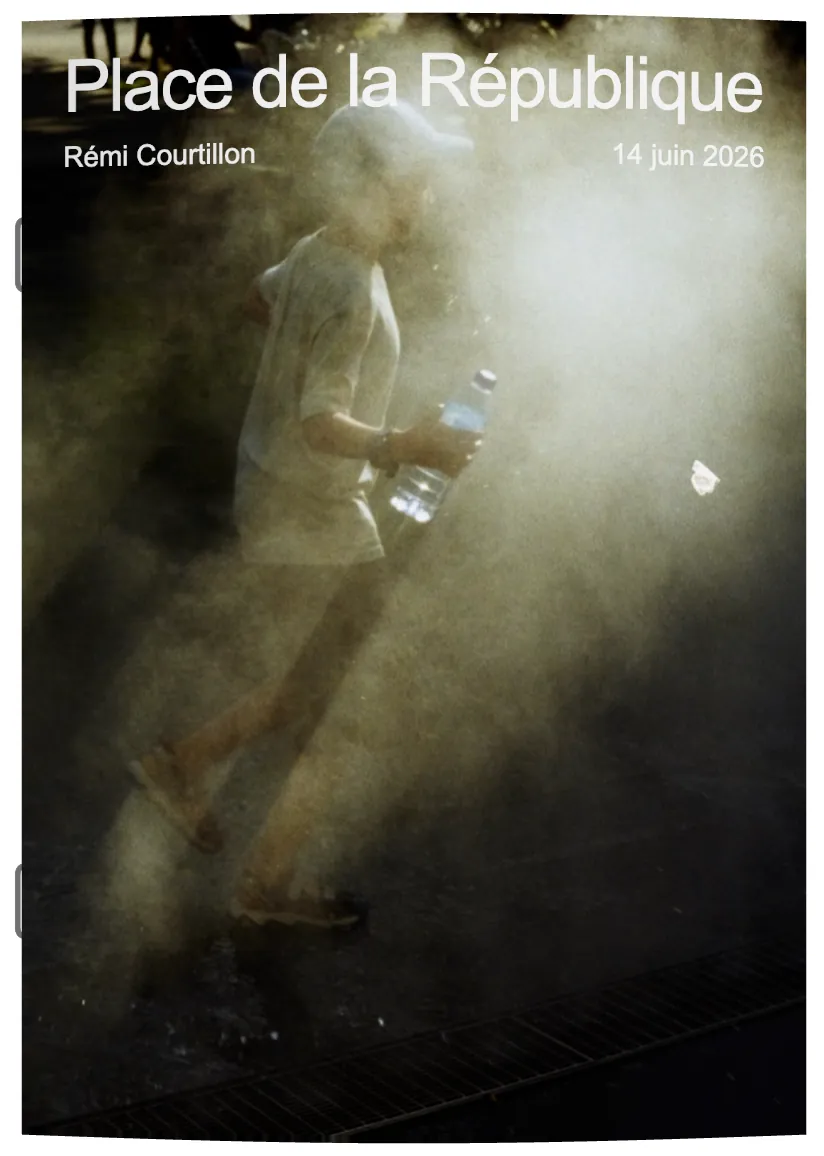
The little things no other app does
Everywhere else you place images into the bleed by hand, fight imposition, and start over when a setting changes. Aldo just handles it.
Aldo Reborn  InDesign
  Affinity Publisher
  Canva Aldo Reborn
 What Aldo Reborn does for you
Formats & bindings
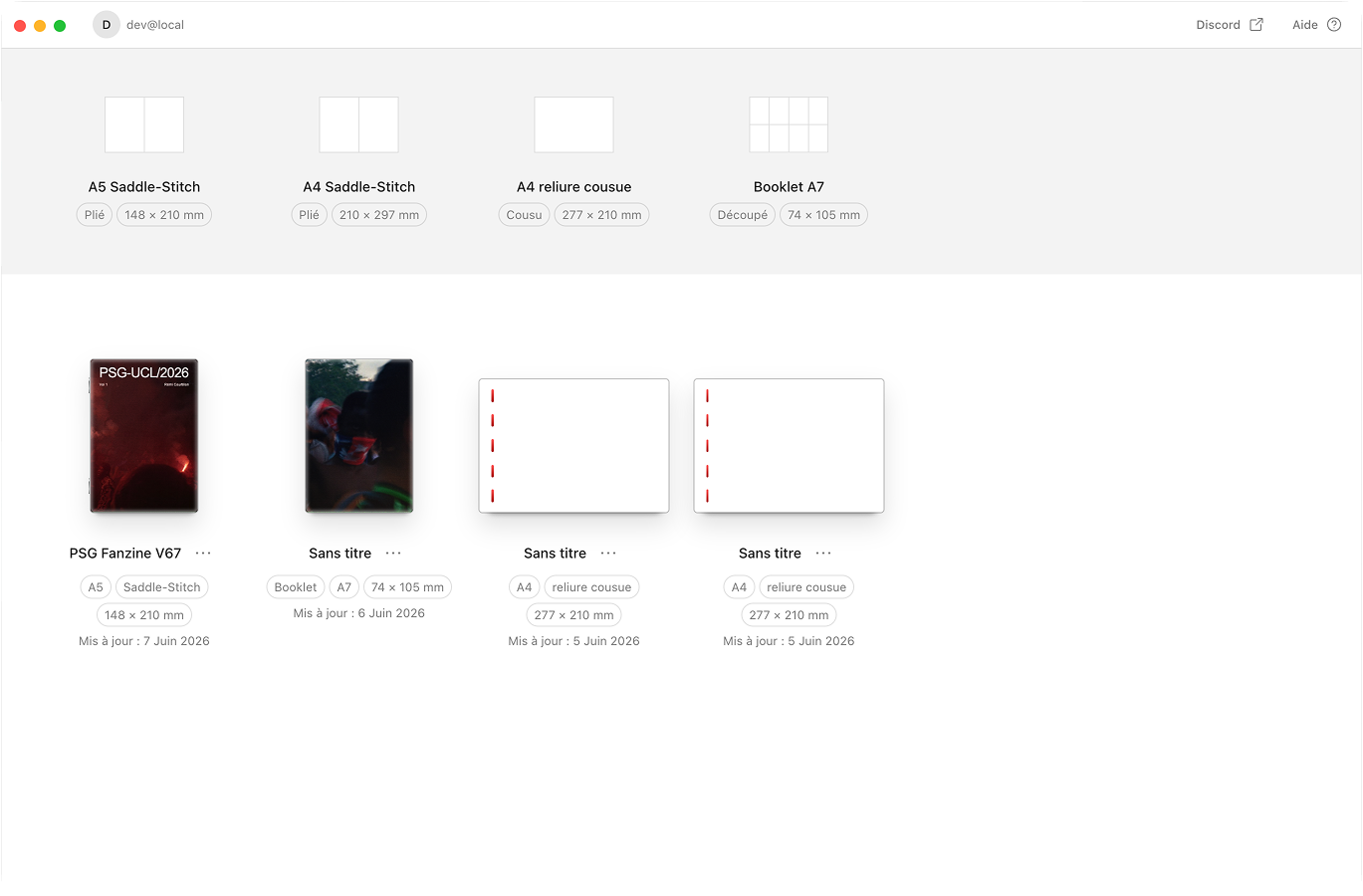
A5, A4, Half-Letter, A7 booklet, and A4, Letter or Square sewn. One template system for all seven.
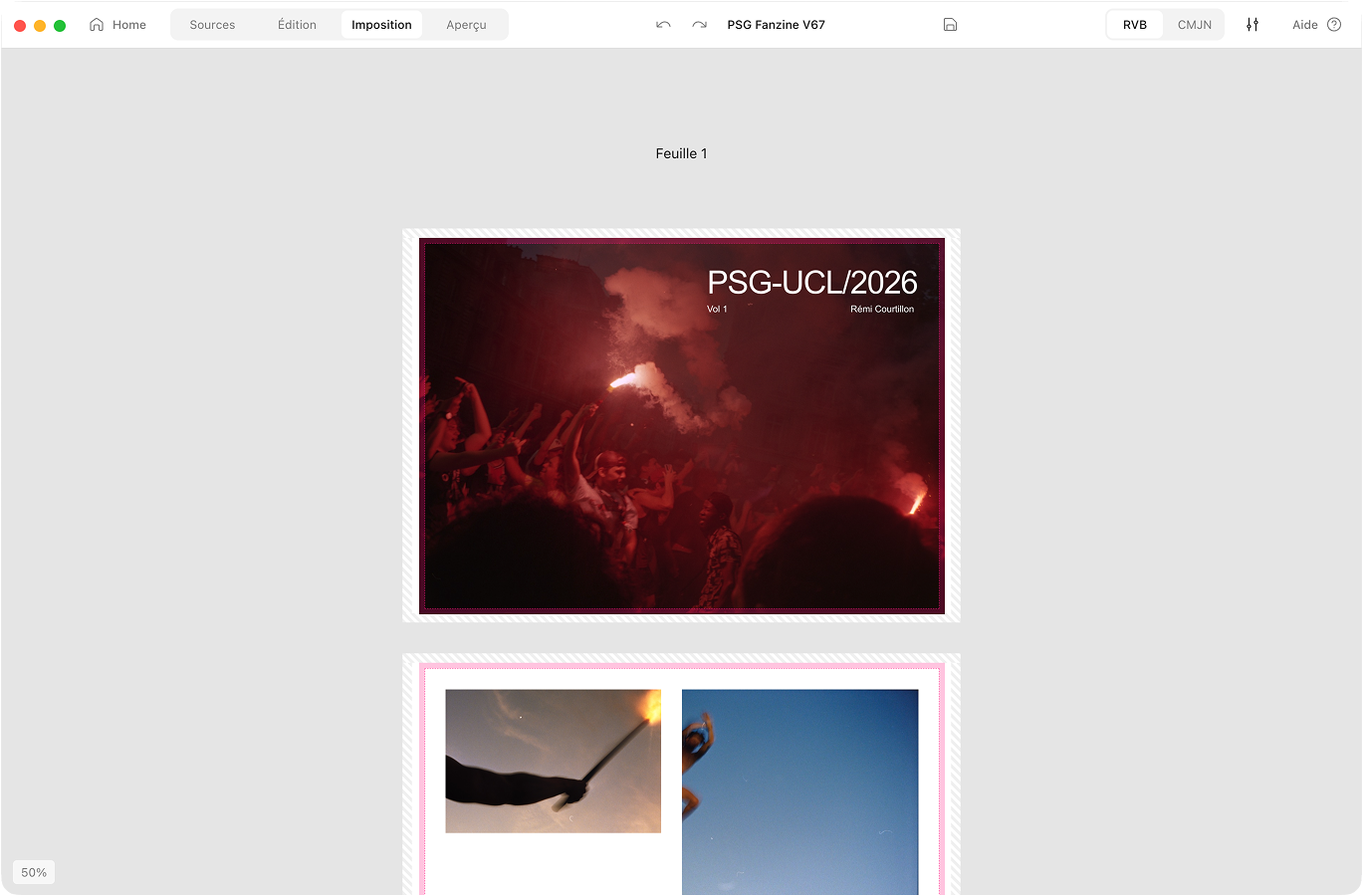
Automatic imposition
Aldo puts your pages on the sheet in the right order. Fold, staple, read in order.
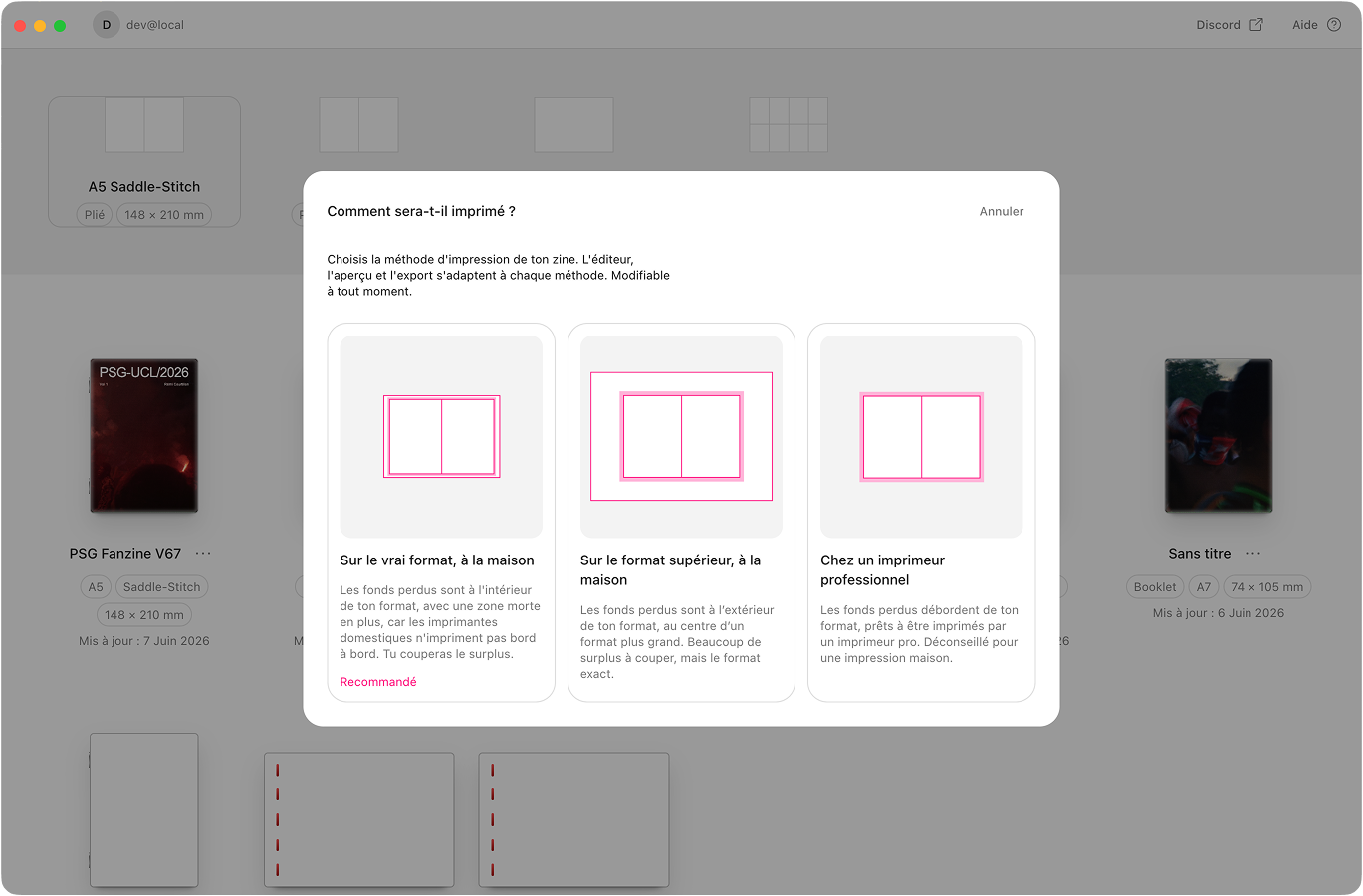
Bleed & safe zones
Aldo adds bleed and respects your printer’s margins. Clean prints, no white edges.
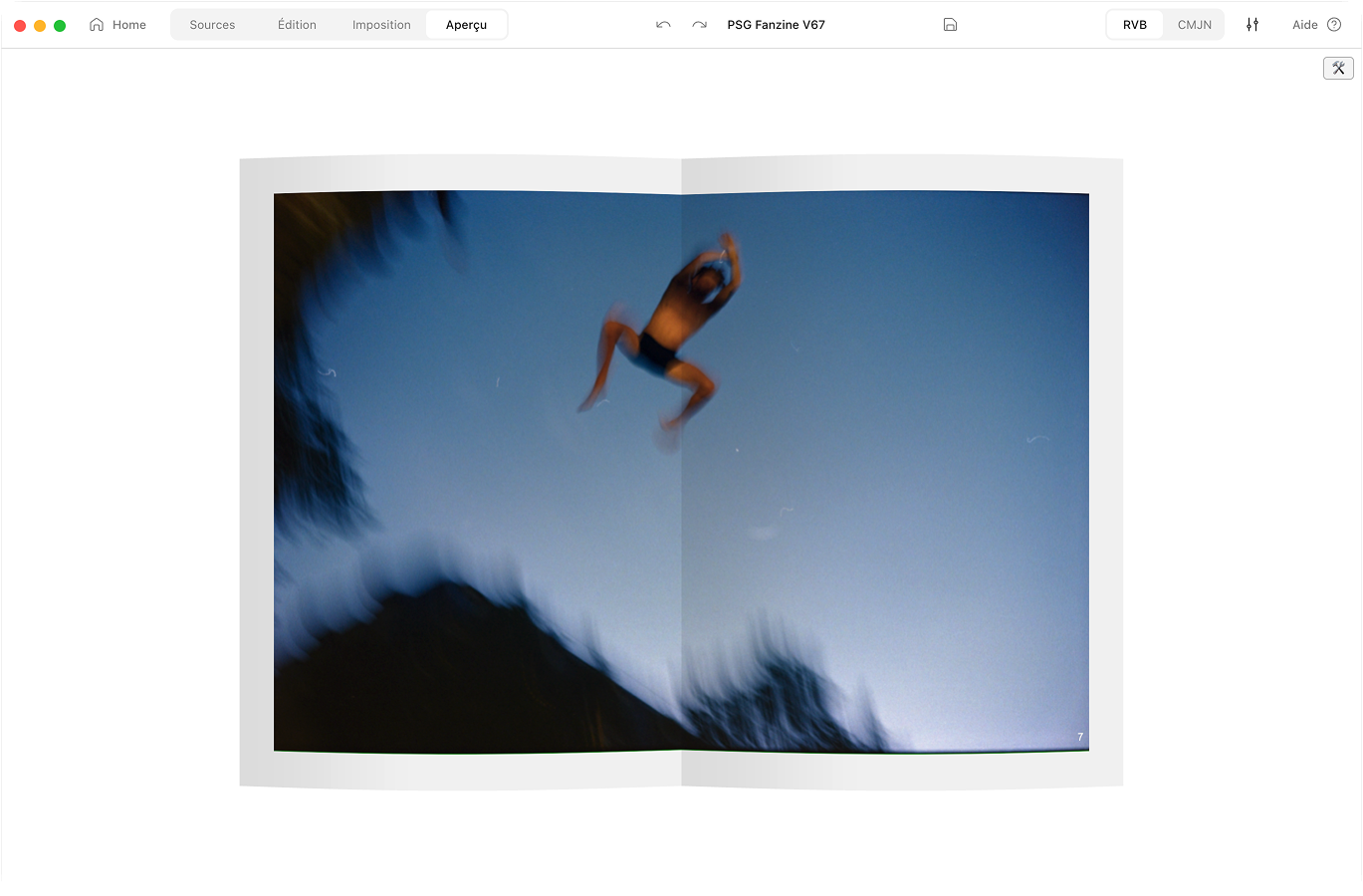
CMYK conversion
RGB to CMYK with a FOGRA39 profile. Preview the printed colour before you commit.
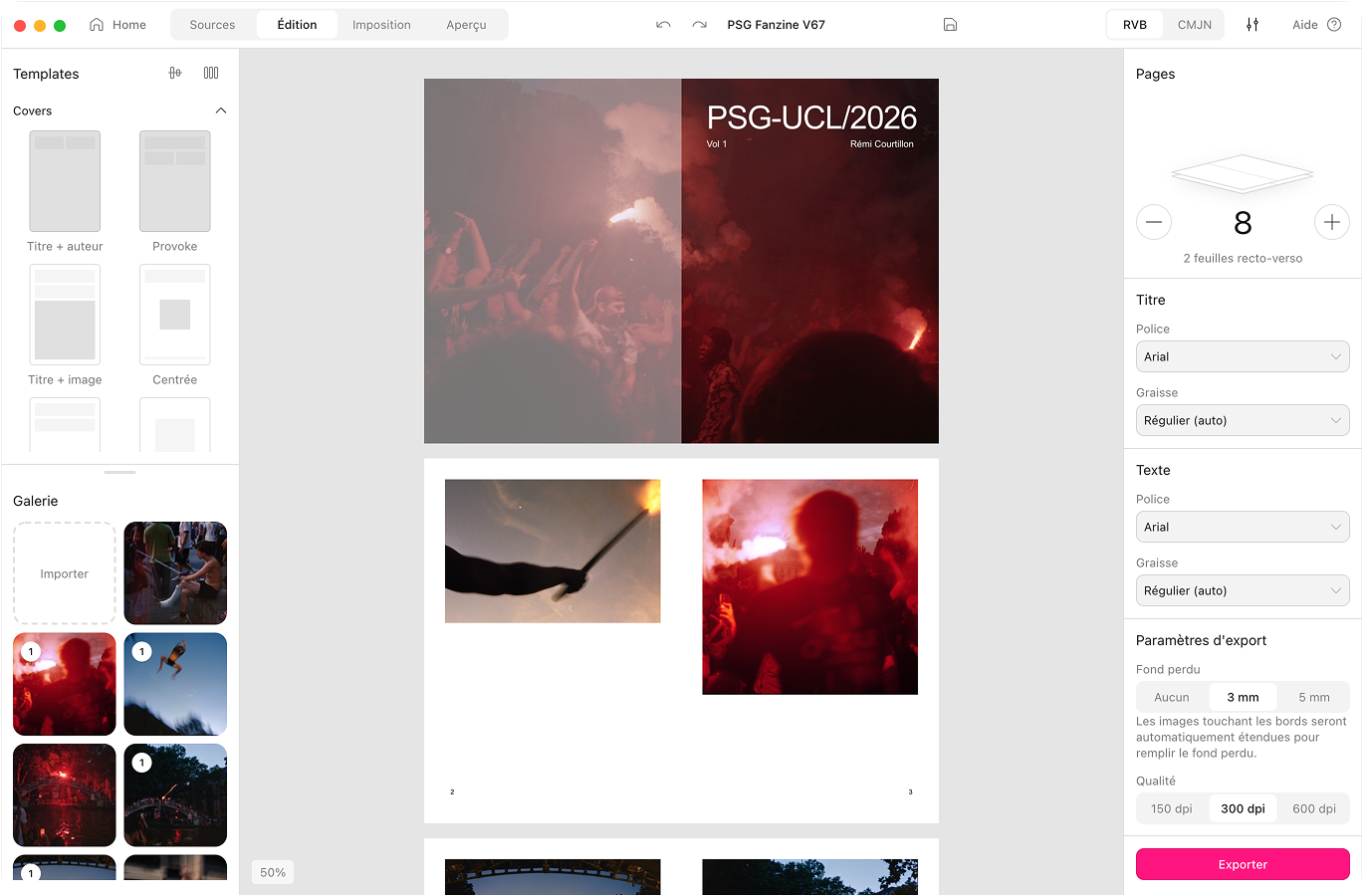
Photo library & EXIF
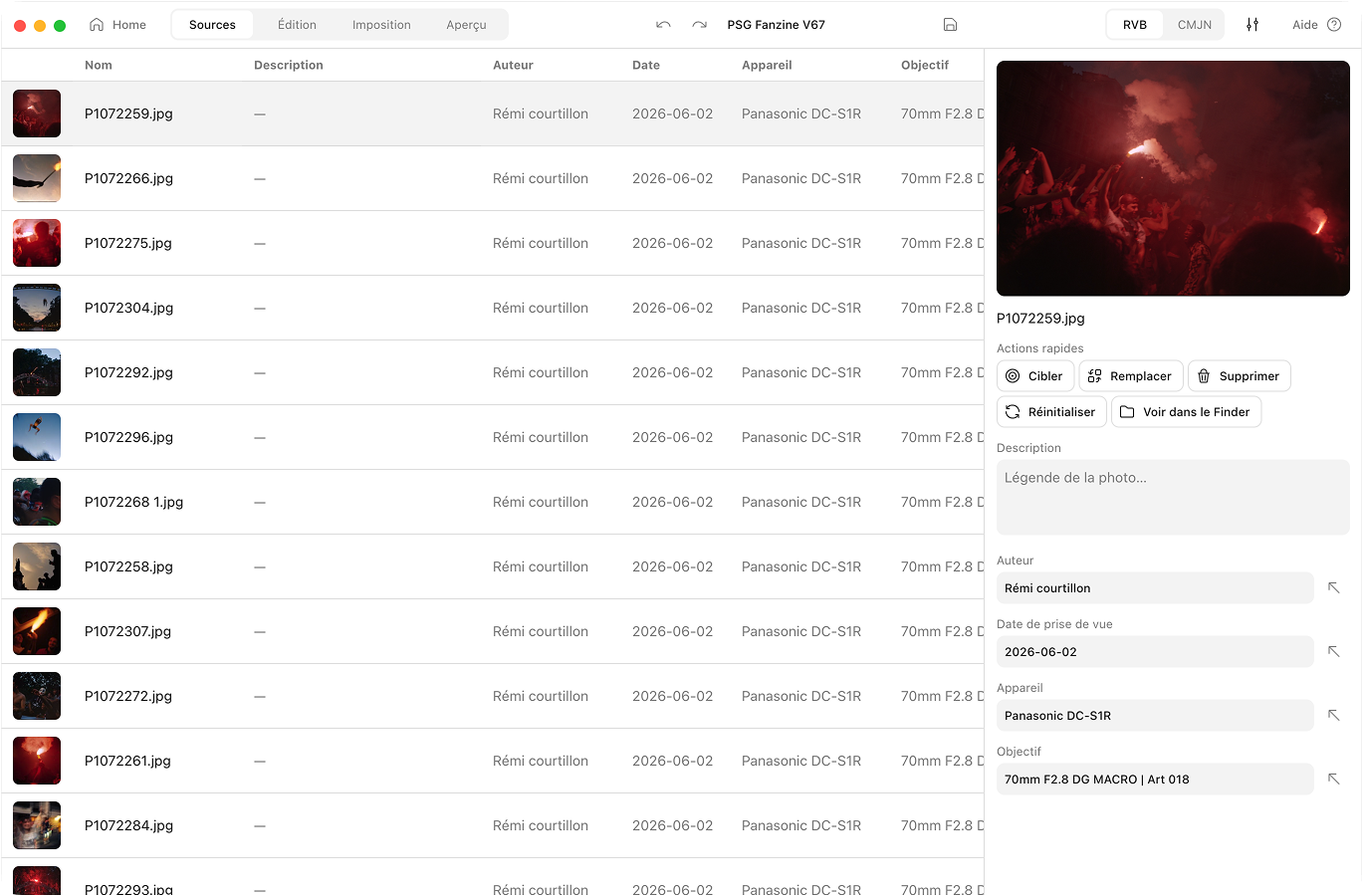
Sort your photos and batch-edit captions and credits. EXIF fills in the rest.
About Aldo Reborn
Made by a photographer, for photographers
Hi, I’m Rémi. I work in UX/UI and design systems. I built Aldo Reborn to fix my own problem as a photographer: I wanted real, good-looking photo books without losing days to Affinity and InDesign. The first ones came off the beat-up laser down the hall at work. Sorry, boss.
Who it’s for
You’re a photographer who can find your way around a design app. Printing an actual book, though, feels like another planet. You still want to hold your photos as a real thing. A little fanzine you folded and stapled yourself, to keep or to swap at a market. Without paying for tools you’ll use twice. This app is for you.
Where the name comes from
The name comes from Aldus Manutius, the Venetian printer who in 1501 made the first book that fit in your hand. Aldo Reborn brings his idea back, for photographers this time.
Frequently asked questions
What is book imposition? Why does it matter?
Imposition puts your pages on the printer sheet in the order they need to be in. Fold the sheet, and the pages read 1, 2, 3, 4. Skip it and a home-printed zine comes out shuffled like a dropped deck of cards. Aldo works the order out for you.
Do I need to know InDesign or Affinity to use this?
No. If you can drag a photo and pick a page count, you can use Aldo. It is built for photographers who would rather spend the weekend shooting than learning menus that have not changed since 2003.
Will my basic home printer actually work?
Yes. Any inkjet or laser that prints A4 or Letter will do. Aldo exports a print-ready PDF with bleed and CMYK already set, so a home printer or the office laser can handle it.
What about CMYK? Why does it matter for my photos?
Your screen shows colour in RGB. Printers mix it from CMYK inks, which cover a smaller range. Photos have to be converted or they print dull. Blacks go muddy and pinks lean orange, so your sunset ends up looking like a sad casserole. Aldo does the RGB to CMYK conversion, so what is on screen stays close to what lands on paper.
Is there a Windows or Linux version?
Not yet. Aldo is macOS-only for now. I only own a Mac, and I would rather ship something that works than guess at Windows. If enough people ask, I will look at porting it.
Aldo Reborn The photo fanzine app for Mac.
Your photos, turned into a little book you can hold. Print it at home. Fold it, staple it, done. No InDesign, no print shop, no degree in page layout.
macOS 10.15 or later.Apple Silicon and Intel.Notarised by Apple.284 MB download.